

The Insider's Guide to Google Keep: Putting It All Together
Part 5 of a 5 part series

Core Focus: How to integrate Google Keep into your daily routine.
Key Points:
Recap of key features and tips
Examples of how to use Keep for different purposes (work, school, personal)
Creating a personalised Keep workflow
Actionable Takeaway: Reflect on how you can use Google Keep to improve your productivity and organisation. Commit to using it regularly for a week and see how it impacts your life.
The Insider's Guide to Google Keep: Putting It All Together
Welcome back, Google enthusiasts! We've journeyed through the basics of Google Keep, from creating various types of notes to organising them effectively. Now, in this final instalment of our series, let's bring it all together and explore how to seamlessly integrate Google Keep into your daily routine.
Recap: Key Features and Tips
Before we dive into the practical applications, let's recap some of the key features and tips we've covered so far:
Note-taking: Capture your thoughts, ideas, and to-dos using text, lists, images, audio recordings, or drawings.
Organisation: Use labels and colours to categorise and visually distinguish your notes.
Prioritisation: Pin important notes to the top of your Keep and archive older, less relevant ones.
Task Management: Create checklists to track your progress and set reminders to stay on top of deadlines.
Power User Hacks: Extract text from images, link notes to other Google apps, collaborate in real-time, and create mobile widgets.
Google Keep in Action: Real-Life Use Cases
Google Keep's versatility makes it adaptable to various aspects of your life. Here are some examples of how you can use it effectively:
Work:
Meeting notes: Capture key points, action items, and follow-up tasks.
Project management: Create to-do lists, set deadlines, and track progress.
Brainstorming: Generate ideas, gather feedback, and collaborate with colleagues.
Client notes: Record client preferences, project details, and meeting summaries.
Research: Collect and organise information for reports, presentations, or articles.
School:
Lecture notes: Jot down key concepts, definitions, and examples.
Study guides: Create flashcards, summaries, and practice quizzes.
Reading lists: Keep track of books, articles, and other resources.
Group projects: Collaborate with classmates on assignments and presentations.
Reminders: Set reminders for assignment due dates, exams, and study sessions.
Personal:
Grocery lists: Keep track of your shopping needs and never forget an item at the store again.
Meal planning: Create meal plans, save recipes, and organise your shopping lists.
Travel planning: Collect flight confirmations, hotel reservations, and itinerary ideas.
Bucket lists: Dream big and track your progress towards your goals.
Gift ideas: Jot down gift ideas for friends and family throughout the year.
Journaling: Reflect on your day, capture your thoughts and feelings, and track your personal growth.
Creating Your Personalised Keep Workflow
The key to maximising Google Keep's potential is to create a workflow that fits your unique needs and habits. Here are some tips:
Start small: Don't try to overhaul your entire system at once. Begin by incorporating Keep into one or two areas of your life and gradually expand from there.
Experiment: Try different note types, labels, colours, and organisational strategies to find what works best for you.
Be consistent: Make it a habit to capture your thoughts and ideas in Keep throughout the day.
Review and refine: Regularly review your notes and adjust your system as needed.
Your Challenge: Embrace the Keep Lifestyle
Now that you've learned the ins and outs of Google Keep, it's time to put your knowledge into action. I challenge you to commit to using Keep regularly for one week. See how it impacts your productivity, organisation, and overall peace of mind.
Remember, Google Keep is a tool, and like any tool, its effectiveness depends on how you use it. By incorporating it into your daily routine and tailoring it to your needs, you can unlock its full potential and transform the way you capture, organise, and access information.
So, go forth and conquer the digital world with Google Keep by your side! 🐸
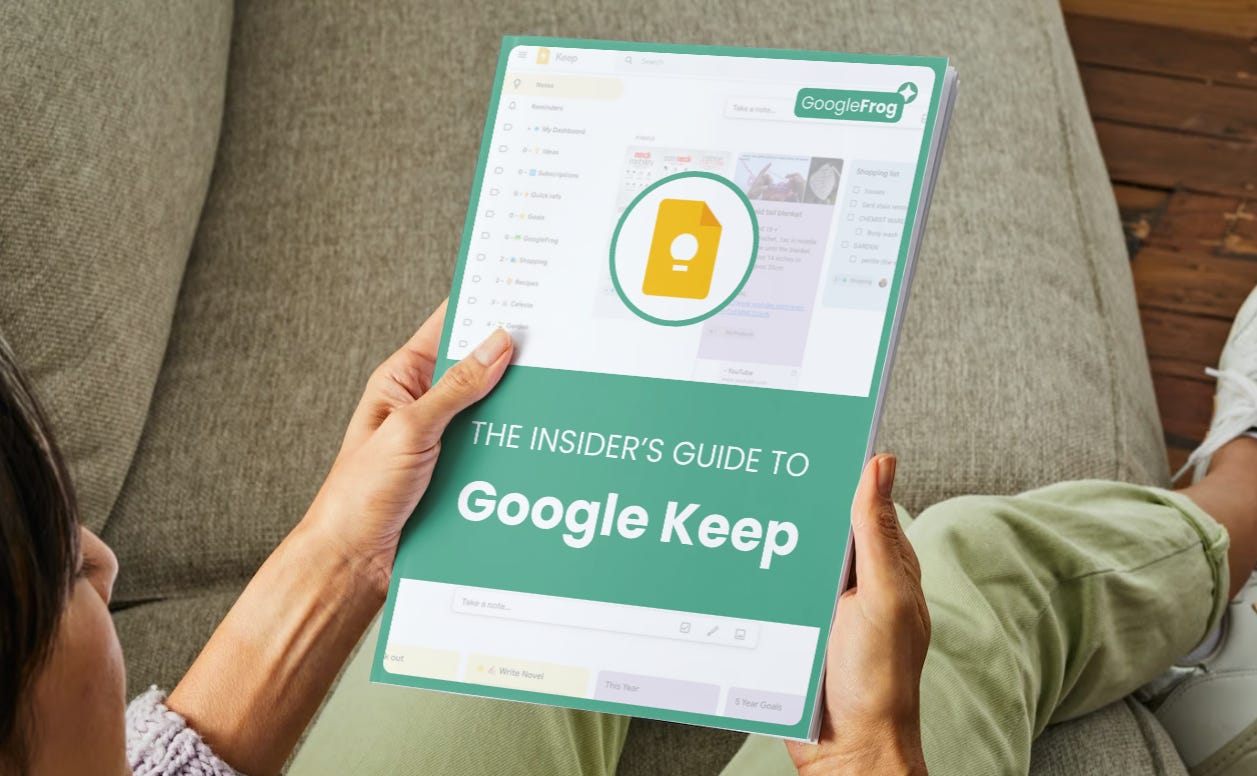
Gain instant access to my complete Insider’s Guide to Google Keep and see snippets of my own work/personal setup as I walk through all the functionality of Google Keep in one complete step by step guide. View the guide →
P.S. If you have any questions or want to share your own Google Keep tips and tricks, feel free to leave a comment below. I'd love to hear from you!